Review the artwork. Record the decision.
Each department reviews the revision in the viewer, records notes and gives its decision. The cycle rule defines how many people from each department need to approve, and whoever still has a pending item is reminded automatically.
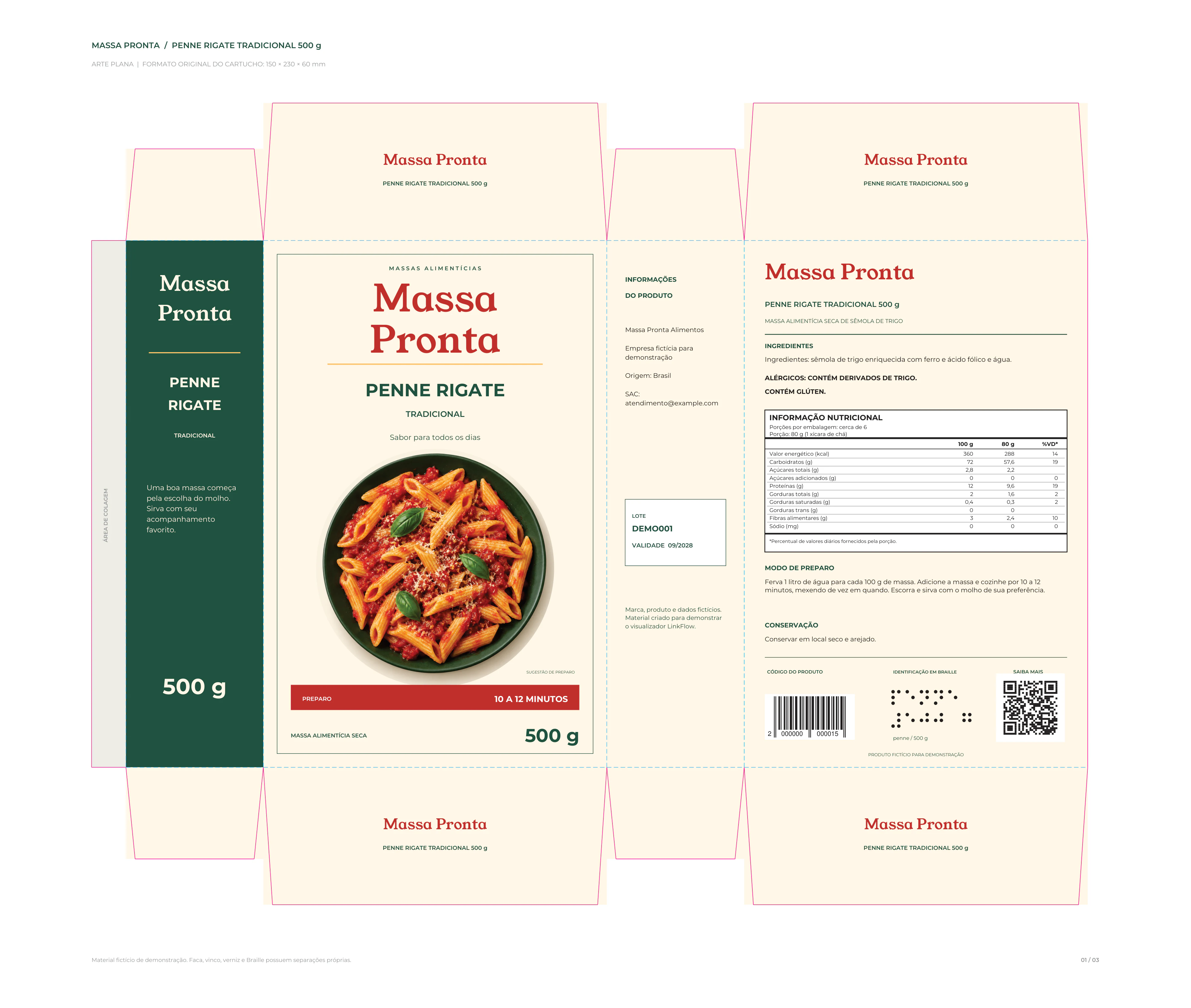
From the submitted revision to the recorded decision.
The agency submits the artwork revision in the project and the approval cycle opens for the defined departments.
Each person opens the artwork in the viewer, uses the review tools and records notes on the file itself.
Each person approves or rejects. The department rule defines whether one approval is enough or everyone must approve.
With the decisions gathered, the revision is approved and goes to the supplier, or returns to the agency with the notes.
Departments approve. Inside each department, people.
The approval cycle lists the departments that need to weigh in, such as Marketing, Regulatory and R&D. Each department holds the people allowed to give a decision, and the rule defines how many need to approve: one is enough, or everyone. The flowchart shows the order: each department weighs in at its stage, with the rule that applies to it, and the cycle ends approved, going to the supplier, or rejected, returning to the agency with the notes.
Packaging approval · Revision 2
- Brand managerApproved
- Marketing analystWaived by the rule
- Regulatory analystUnder review
- Packaging engineerWaiting
- R&D analystWaiting
The artwork opens in the browser, inside the approval.
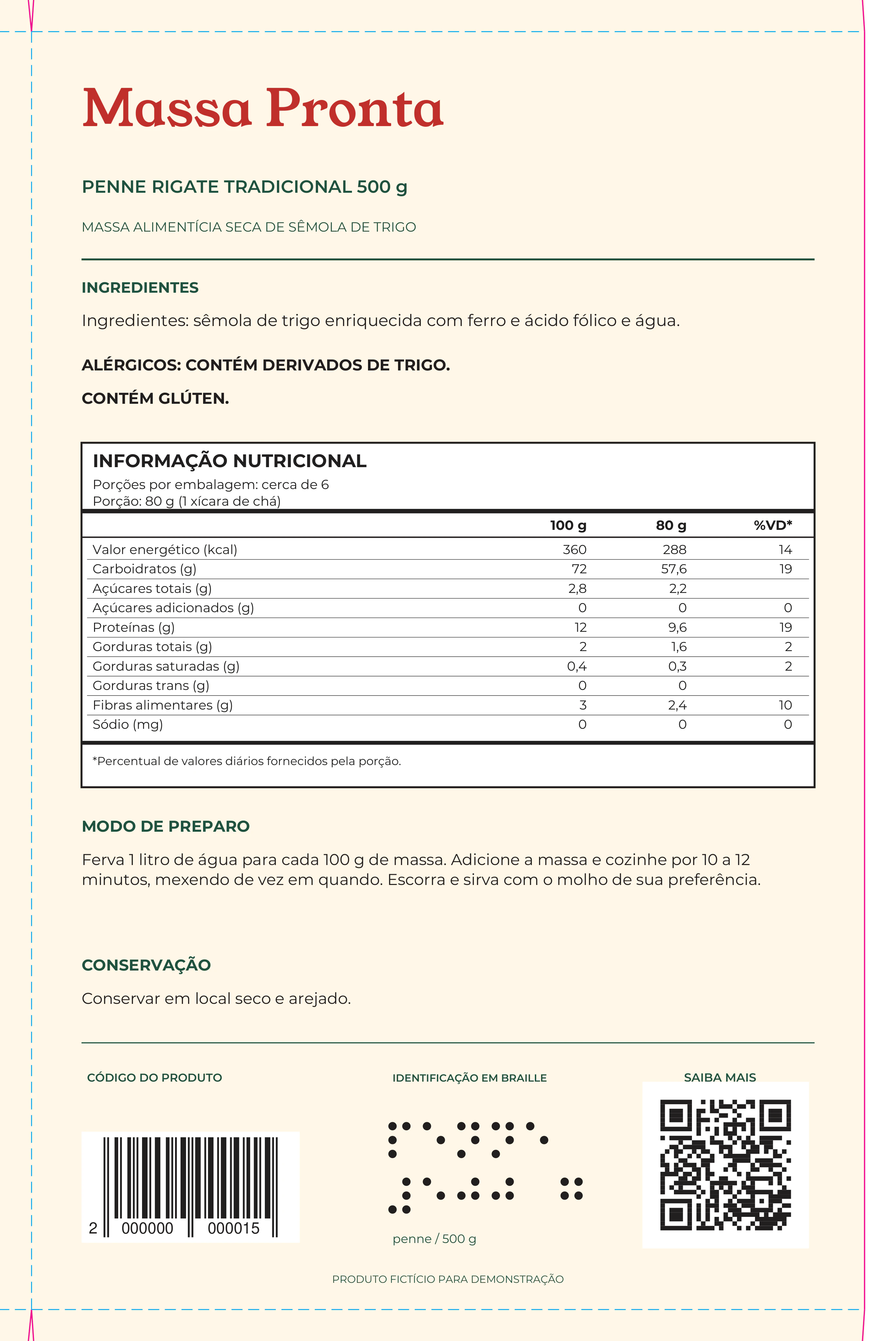
Whoever gives the decision opens the revision straight from the approval cycle, without downloading a file. The viewer shows the artwork with color separation, pages and the review tools, and the recorded notes stay linked to the revision. Try hiding a color.

- Hand
- Rotate
- Mirror
- Fit
- Zoom
- Ruler
- Measure area
- Read barcode
- Read braille
- Read text
- Eyedropper
- Comments




All colors visible.
Mind the details before releasing the file.
Notes on the file itself, text reading with spell check, barcode and QR reading, braille reading, ruler and measurement. The examples take turns on the Penne artwork; click a tool to stay on it.
Show what needs to change with comments linked to the exact location.
Compare revisions side by side or with the Delta.
See the two revisions side by side, or one at a time with the Delta on: it overlays the other revision and paints in red and blue what differs. When the artwork arrives off-center, automatic alignment corrects the offset before the comparison; with "Show differences" on, the viewer marks only what really changed. Try the combinations.
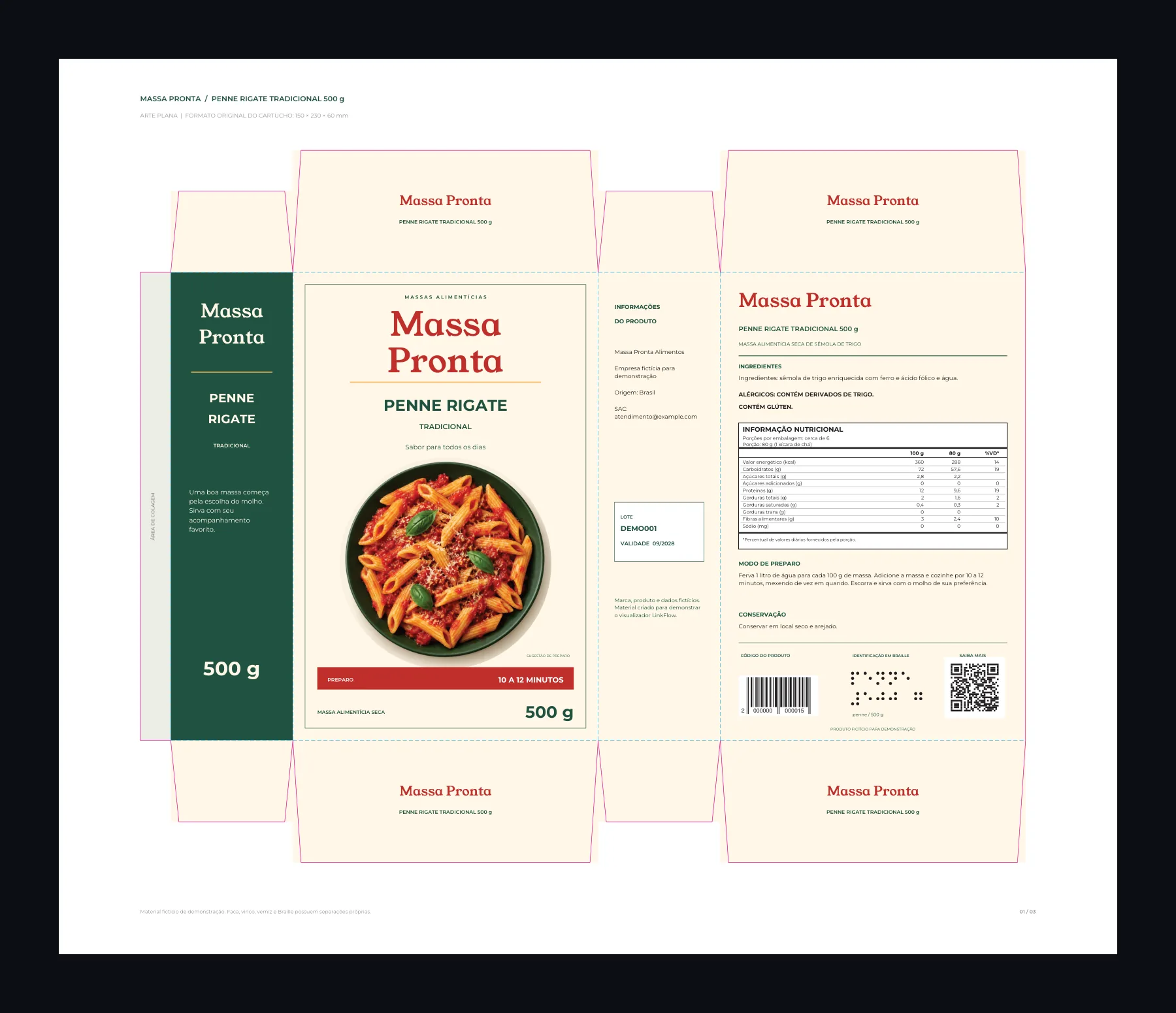
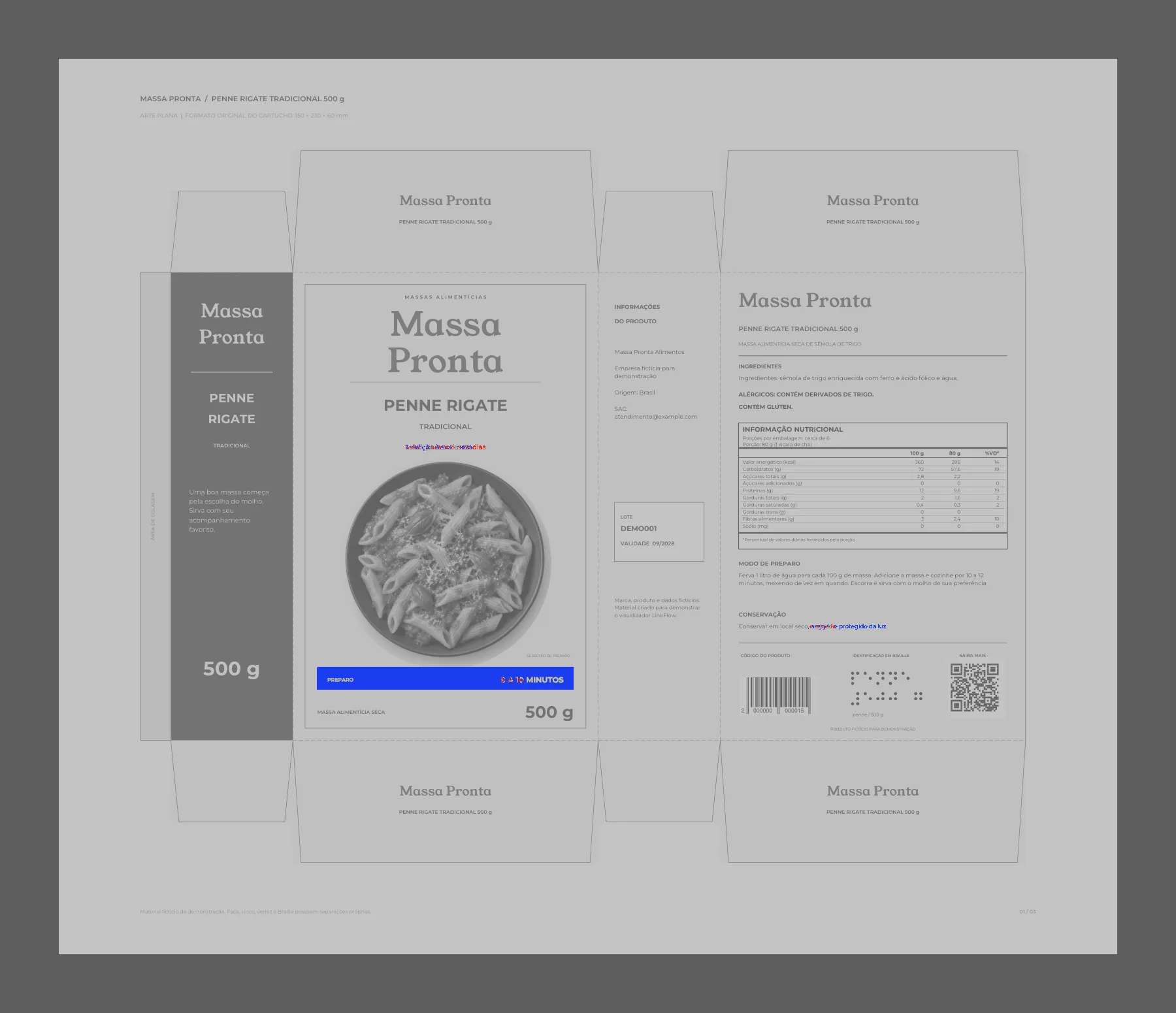
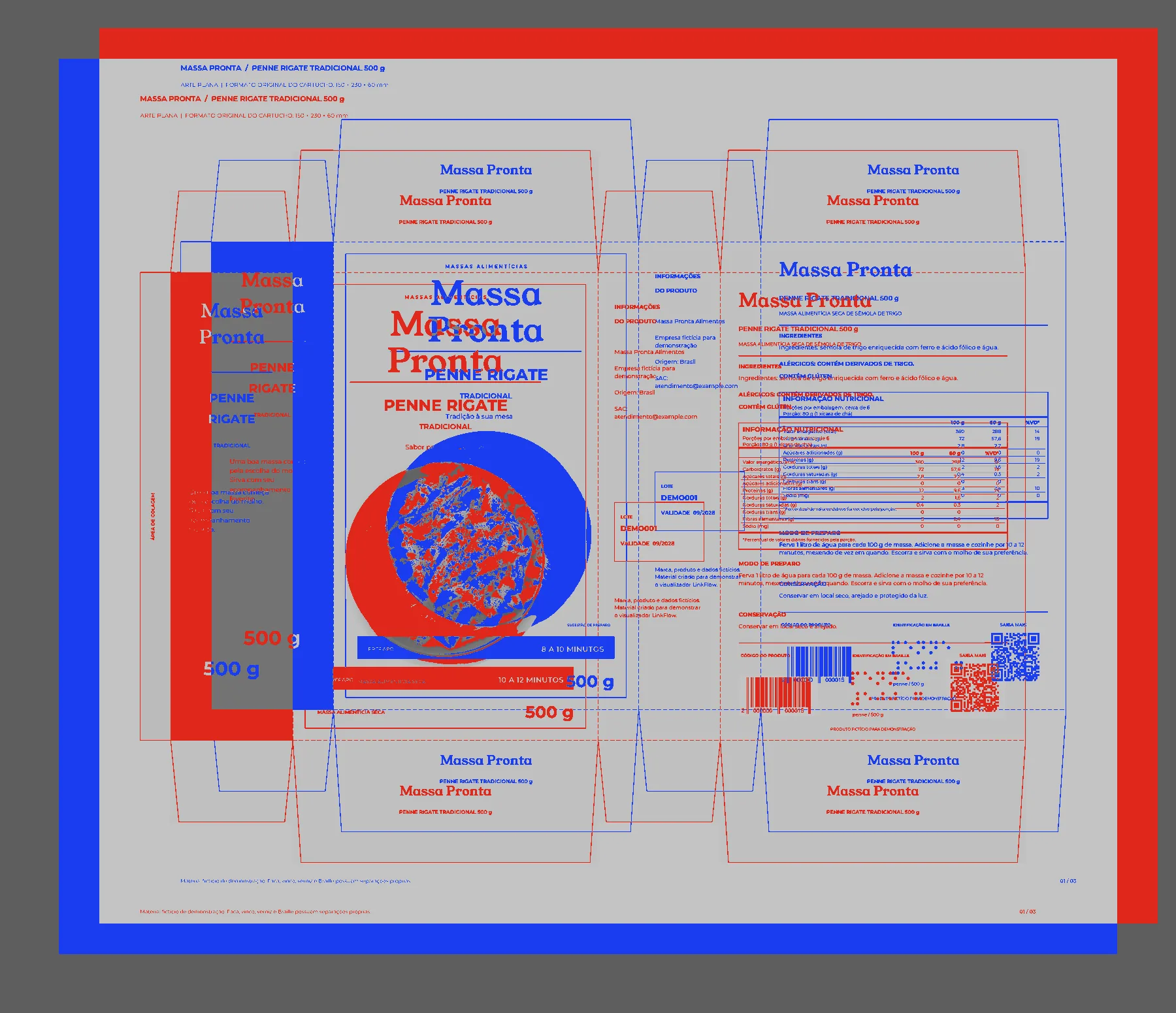
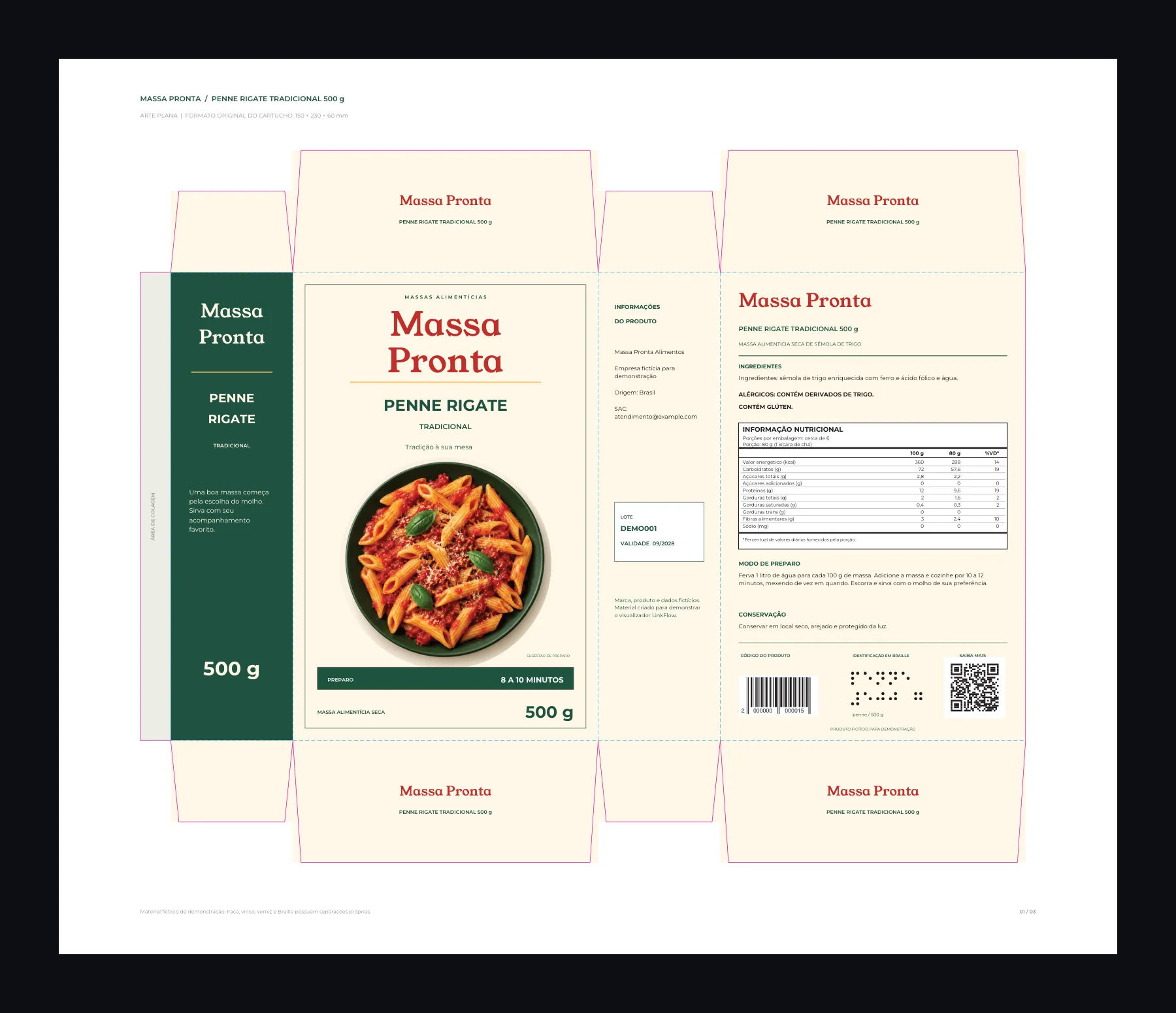
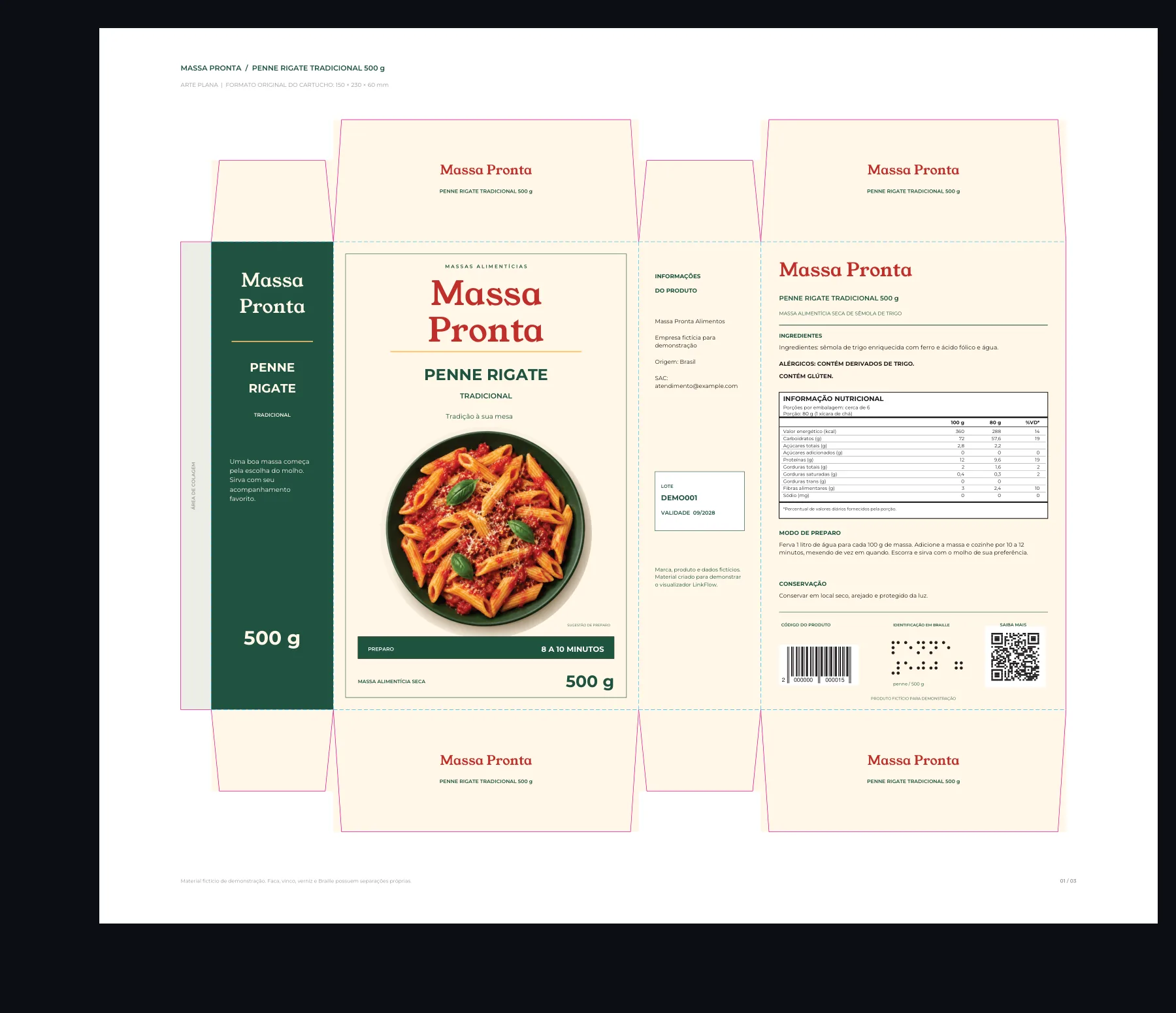
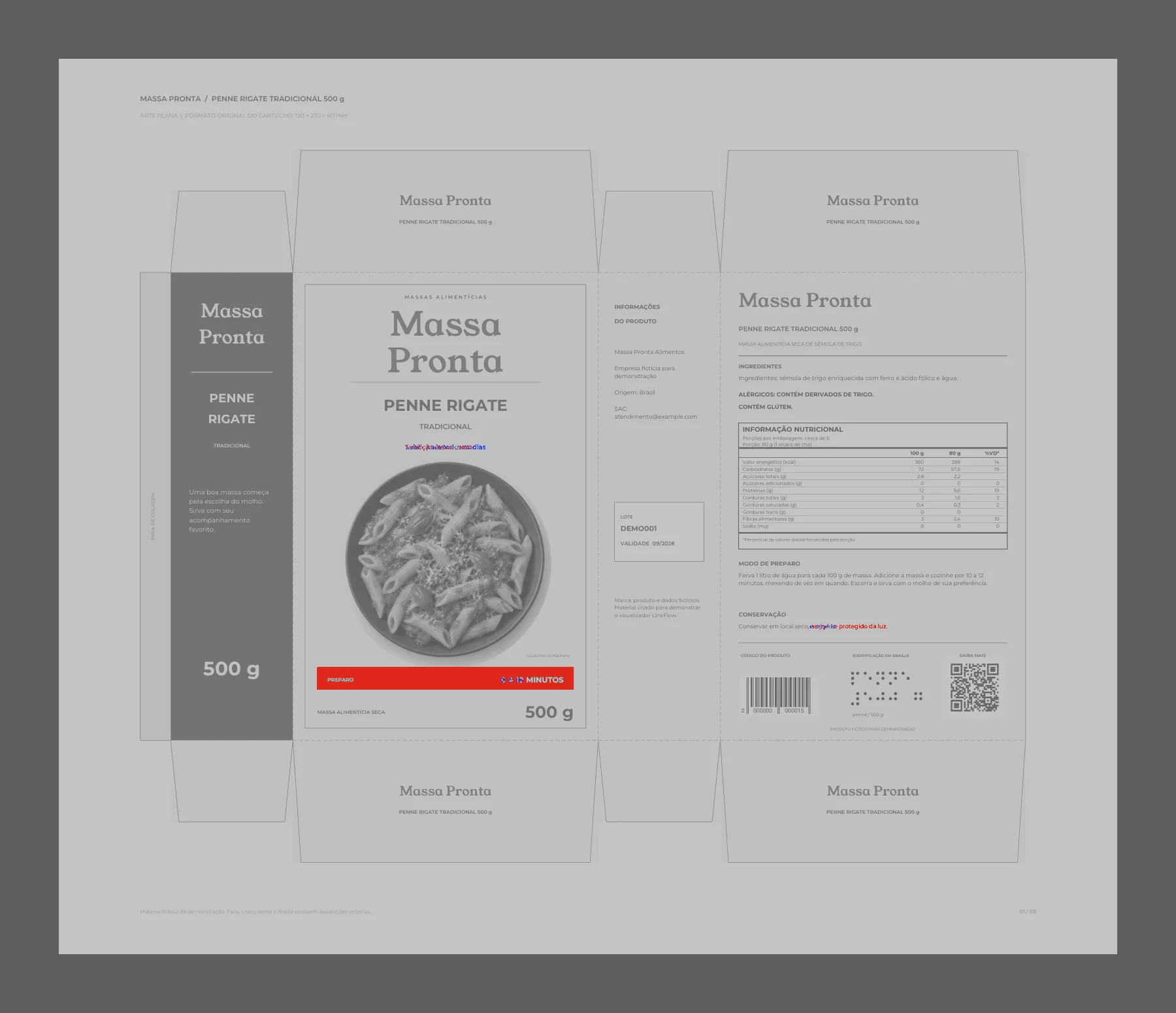
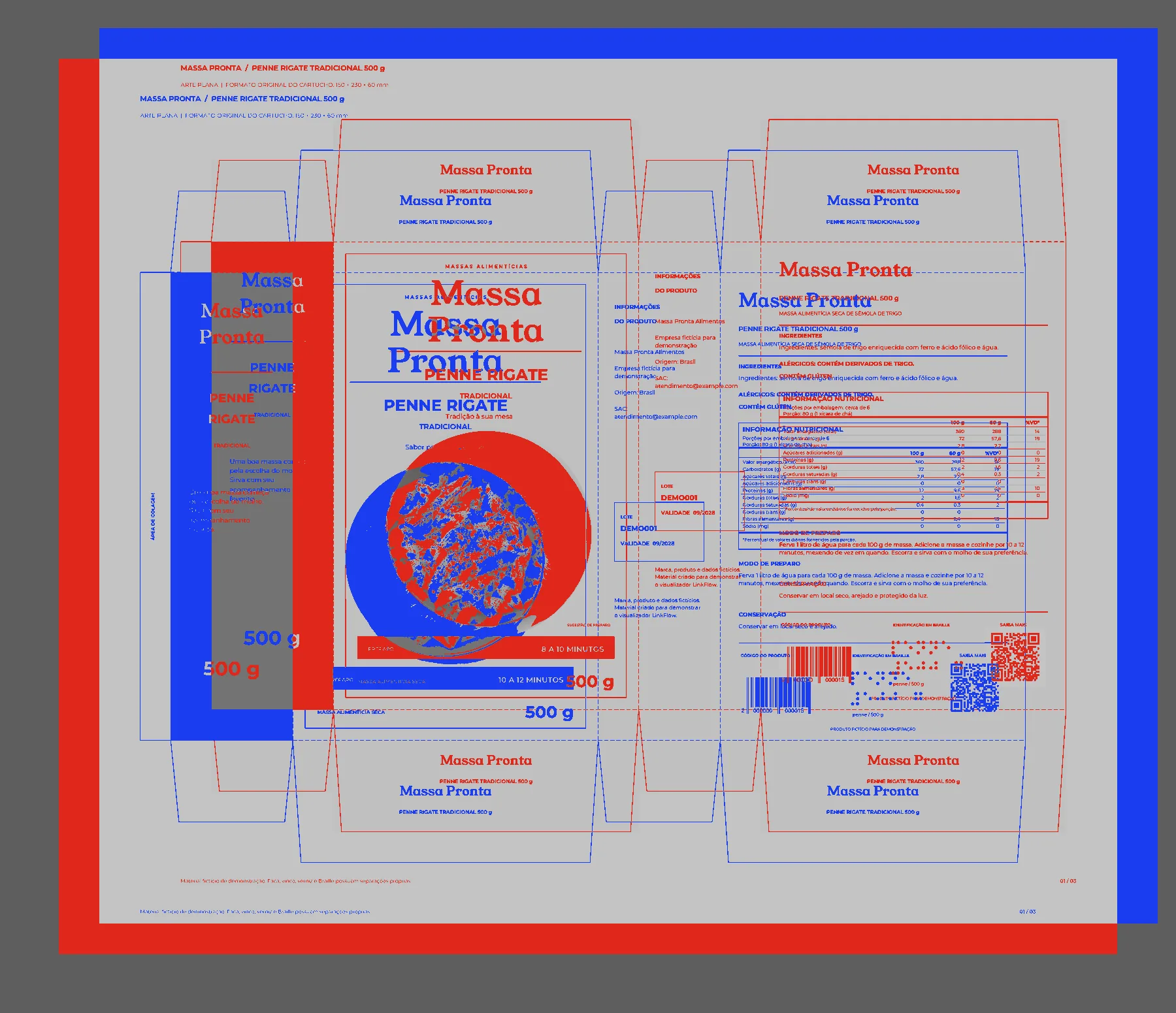
Revision 2 and Revision 1 side by side, aligned: three differences found.
A report with everything that happened in the approval.
Export to PDF, at any time, a report that gathers the whole approval: the project and the revision, the submission notes, the cycle rule, each department's decision with its date and the annotations made on the artwork, with the position of each note.
 Approval report
Submission notes
Good afternoon! Attached is the PDF with the revised preparation instructions for validation. Let us know about any point.
Decisions Cycle rule: Every department must approve
- Marketing1 person is enoughBrand managerApproved
Text matches the brief reference.
- RegulatoryAllRegulatory analystUnder review
- Packaging R&DAll2 peopleWaiting
Annotations on the artwork Page 1 of 3
- 1
Review the wording of the preparation instructions before release.
To assess with your team.
Answers to align artwork review and approval with your company's process.
Can the rule require more than one person per department?
Yes. For each department, the rule defines whether one approval is enough or everyone in the department must approve. The cycle is complete when every department is done.
Does barcode and braille reading approve the artwork automatically?
No. The readings support checking the information. The people in each department analyze the artwork and record the approval decision.
Can agencies and suppliers take part in the review?
Yes. The brand can include external participants according to its process and the access defined for the project.
Can I track who has already responded?
Yes. The cycle shows each department's and each person's decision, and whoever still has pending items receives automatic reminders. The PDF report gathers everything with the dates.
Are these features part of the LinkFlow subscription?
Yes. Artwork review and approval are part of the platform together with the portfolio and the creation and change workflows.
See LinkFlow applied to your brand's process.
See the portfolio, the workflows and the approvals working together in a demo.